Stay connected with your loved ones effortlessly. Designed for seniors and users with vision impairments. Tap a familiar face to make a call — no complex menus, no tiny buttons, just simple, visual contact.
Big photos, big buttons, intuitive for everyone
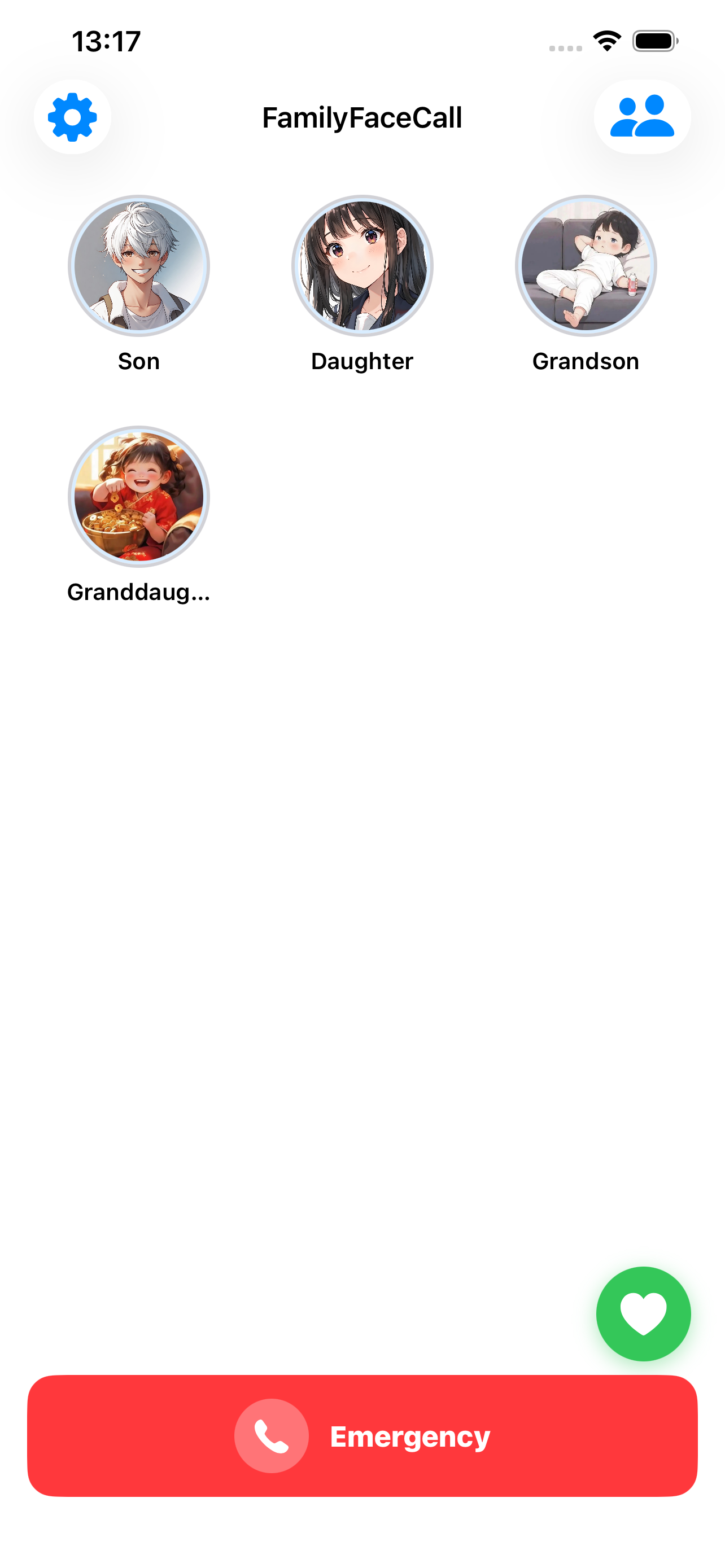
Main Interface
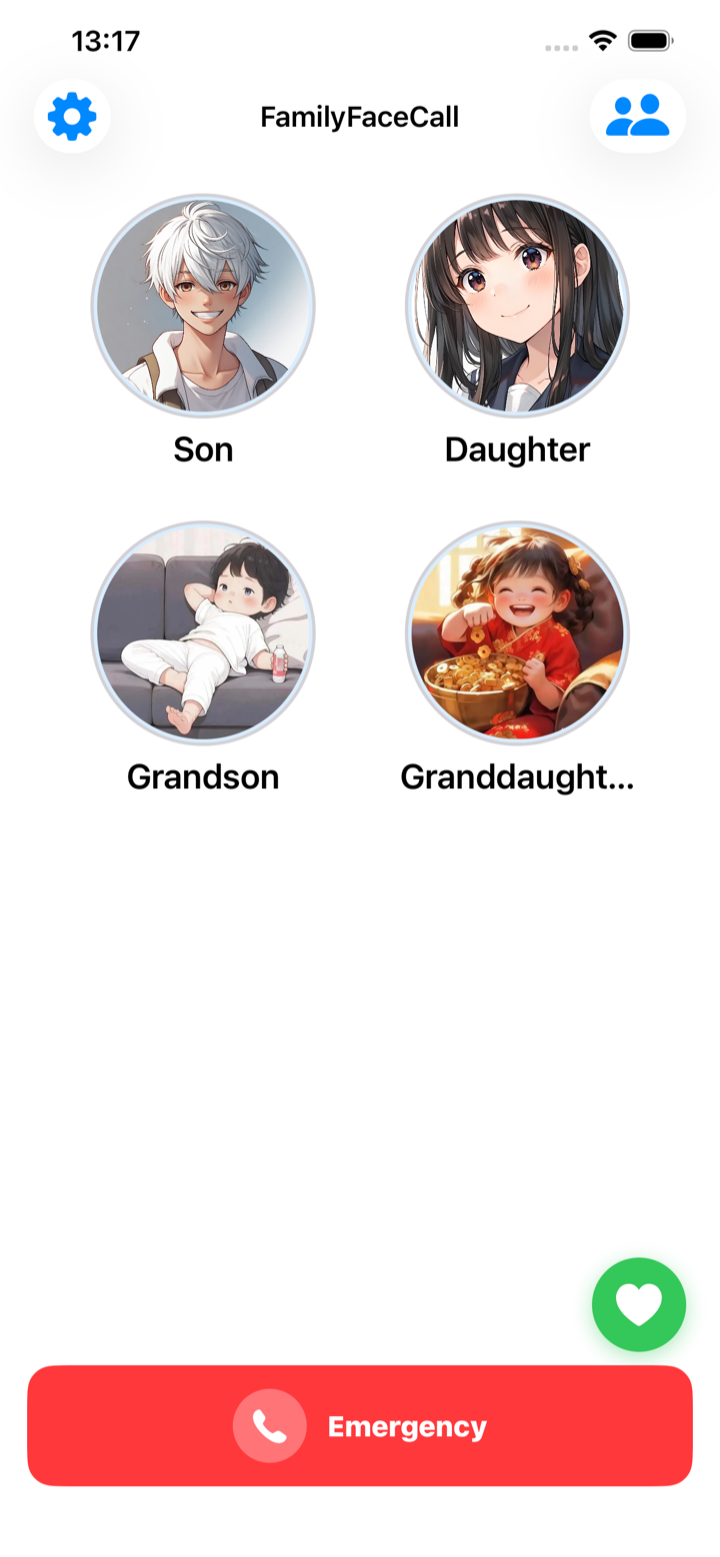
Large Avatar Mode
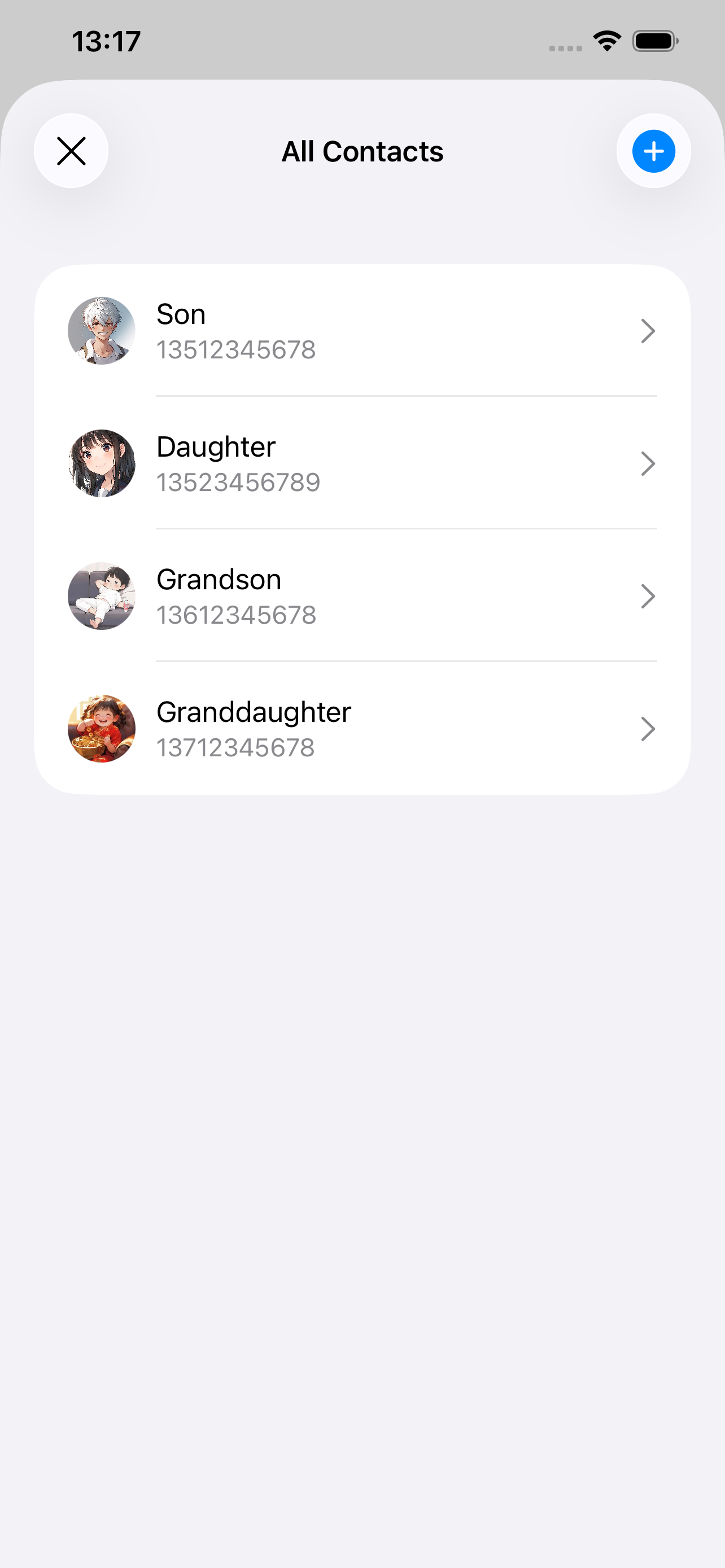
Call Confirmation
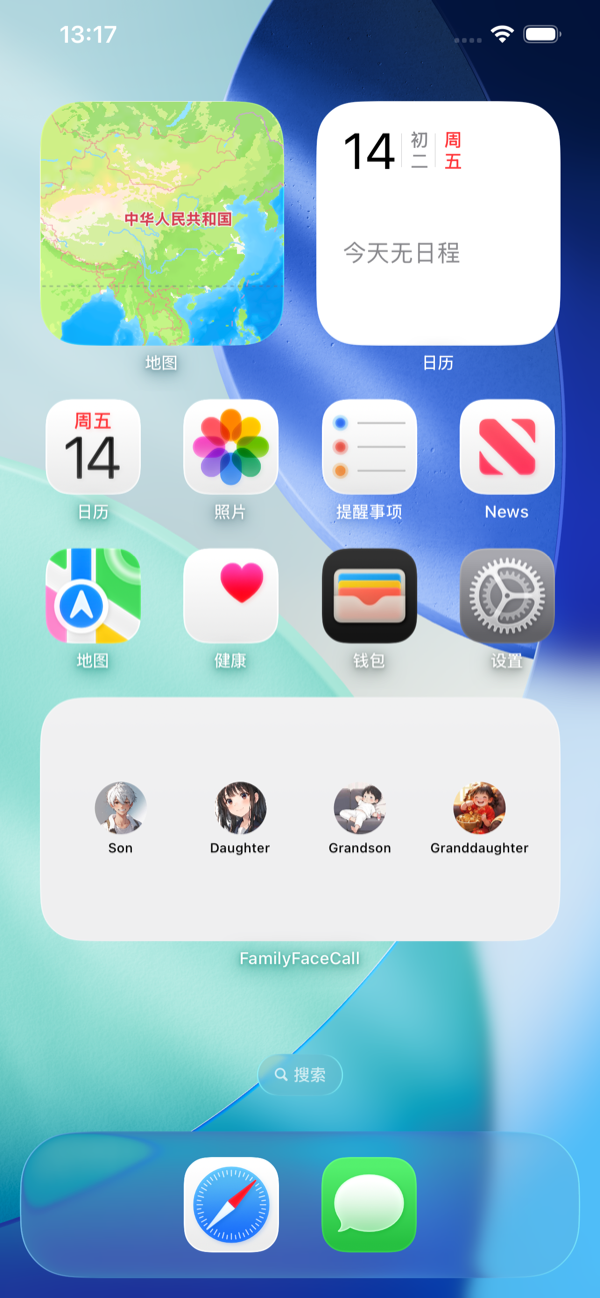
Home Screen Widget
Security & Accessibility
12 Languages & Voice
Designed for ease of use and safety
Tap a loved one's photo to call. Choose tap, double-tap, or long-press with a hold indicator to prevent accidental calls.
A prominent red SOS button at the bottom of the main screen. One tap to immediately call your designated emergency contact.
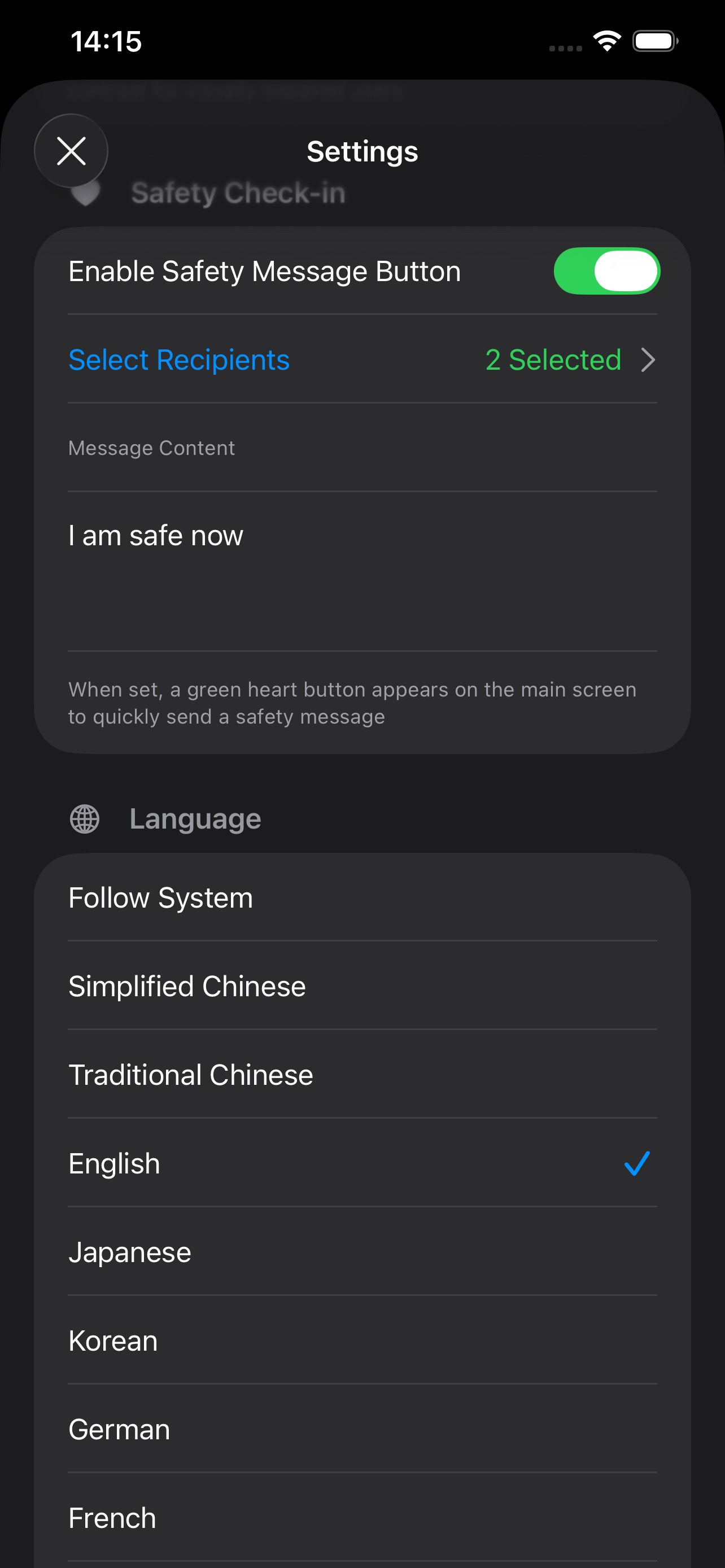
Tap the green heart button to quickly send a safety message to pre-selected family members, letting them know you're safe.
Lock settings and contacts with a PIN code. Includes iOS Guided Access guidance to keep the app focused and secure.
Dedicated vision impairment theme with high-contrast colors and enlarged fonts. Adjustable avatar and font sizes in 4 levels.
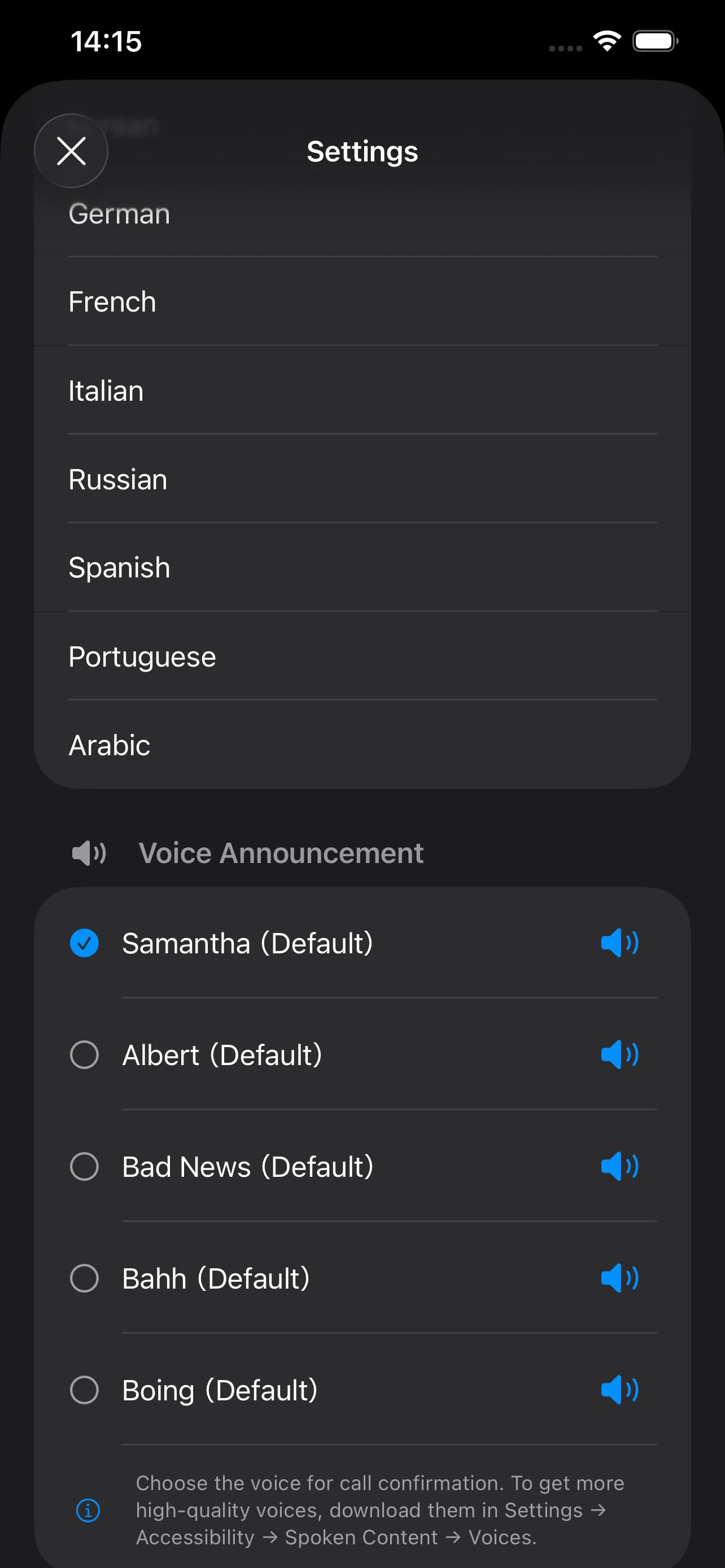
Full support for 12 languages including English, Chinese, Japanese, Korean, and more. Voice announcement during dialing for extra confirmation.
FamilyFaceCall is a thoughtfully designed calling app for elderly users and those with vision impairments. It transforms the complex phone dialing process into a simple, intuitive experience where a tap on a familiar face is all it takes. With three anti-mistouch dialing modes, emergency SOS, safety check-in messages, PIN security, and a dedicated vision impairment theme, FamilyFaceCall puts family connection within everyone's reach — regardless of age or ability.